


Say goodbye to incomplete group photos or awkward group selfies. Enter Add Me, a smart new camera feature from Google Pixel that quietly fixes one of photography’s oldest problems.
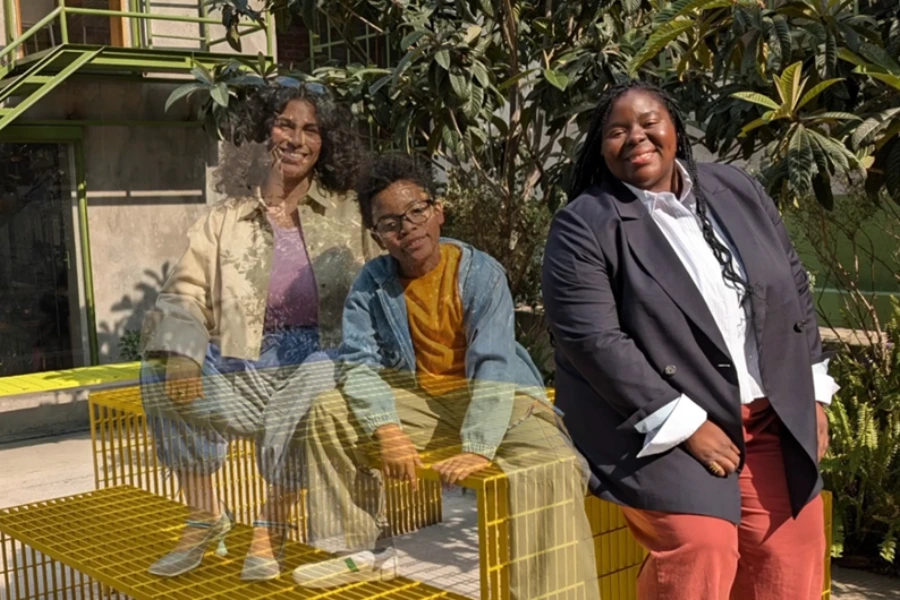
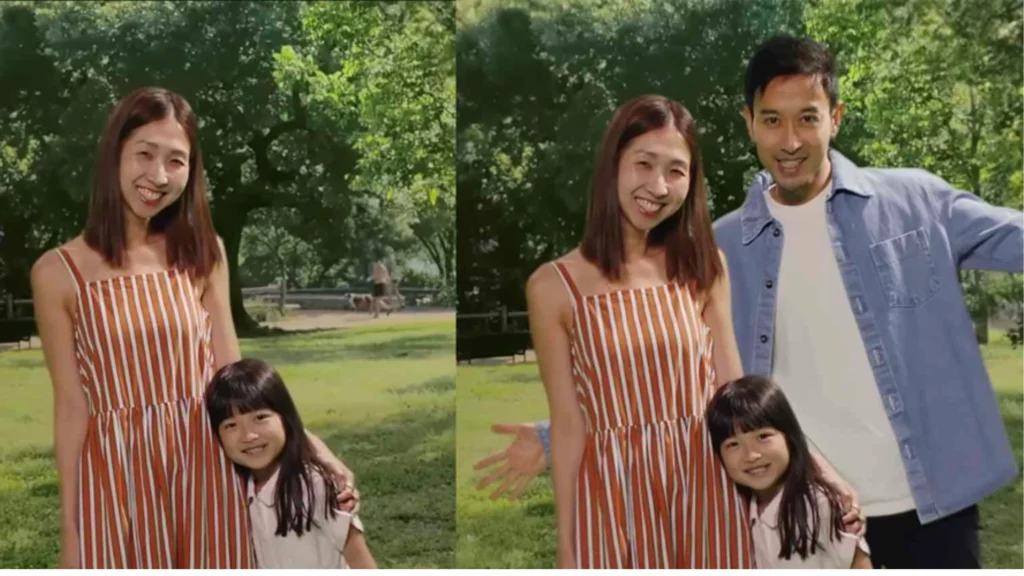
Add Me lets you combine two photos taken in the same scene, so everyone ends up in the final image, including the person behind the camera. No tripods. No strangers asked for help. No awkward arm stretches. Just clever AI at work!
How the Add Me feature works
The magic of Add Me lies in how seamlessly it blends technology with behaviour. You don’t need to change how you take photos. You just take two pictures of the same scene.
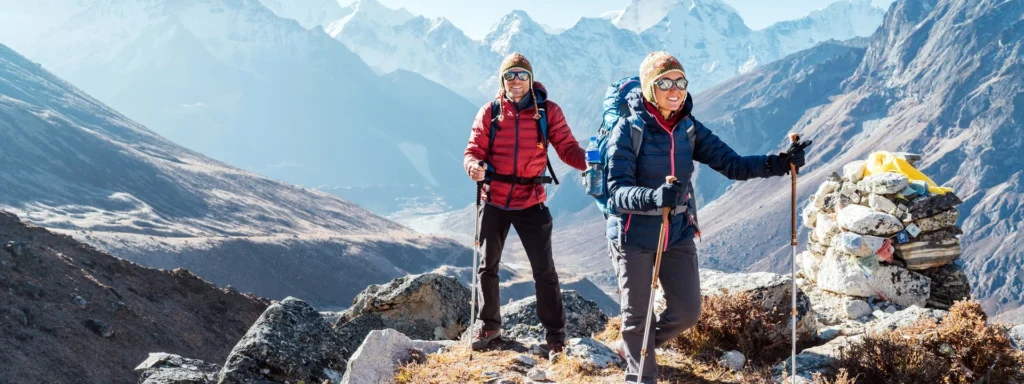
First, one person takes a group photo. Then, someone else steps in to take another photo from nearly the same spot. Only this time it includes the original photographer. Pixel’s AI analyses both images, understands depth, lighting, and perspective, and then merges them into a single, natural-looking photo.
Also Read: Google Pulls AI Health Overviews Over Misleading Data
Behind the scenes, Pixel’s on-device AI maps the scene, identifies people, and aligns the frames intelligently. It’s computational photography doing quiet, useful work, without demanding attention or effort.
Helping influencers better their game
For influencers and creators, Google Pixel’s Add Me feature quietly removes multiple friction points in content creation. Here’s how it meaningfully helps:
1. No more behind-the-camera gaps
Creators often miss being part of their own content, especially during collabs, travel shoots or group moments. Add Me ensures the creator is always in-frame, without tripods, timers, or strangers holding the phone.
2. Fewer reshoots
Influencers work in real environments like cafés, events, brand shoots and pop-ups. Add Me allows creators to shoot quick, usable group visuals without resetting frames or managing complex setups.
3. Stronger collab content
Collabs perform better when all faces are visible. Whether it’s a creator meet-up, brand event, or creator x creator reel cover, Add Me enables clean, professional-looking group images.
4. Authentic visual storytelling
Add Me supports organic storytelling such as travel diaries, BTS moments and community events. It keeps moments natural, not manufactured.
5. Cost-efficient for solo creators
Not every creator has a team. Add Me acts like a virtual assistant, eliminating the need for photographers, tripods or timers for everyday content.
6. Better thumbnails and covers
Creators rely heavily on thumbnails for discoverability. Add Me ensures everyone featured in the content appears in the cover image, improving clarity, click-through rates and visual cohesion across platforms.
Also Read: Is Google Slowly Killing Independent Blogs? A Real Creator Perspective
AI working the human way
Google Pixel cameras have always focused less on gimmicks and more on real-life use cases. Add Me fits right into that philosophy.
It’s especially useful for:
- Family gatherings where everyone matters
- Travel photos when you don’t want to hand your phone to strangers
- Small groups where one person always sacrifices their presence
More importantly, it respects authenticity. The final photo doesn’t scream edited. In a world of over-filtered images and exaggerated AI effects, Add Me stands out by being subtle. It doesn’t add drama. It adds people.
The best technology solves problems we’ve quietly accepted for years. Google Pixel’s Add Me feature does exactly that.
By making sure no one is left out, Pixel turns everyday moments into fuller memories. And sometimes, that’s the smartest innovation of all.
Frequently Asked Questions
What is Google Pixel’s Add Me feature?
It combines two photos from the same scene, so everyone appears in one image.
Do I need special equipment to use it?
No. Just your Pixel phone and two quick shots.
Does the feature look artificial?
No. Pixel’s AI blends images naturally with realistic lighting and depth.
Is Add Me available on all Pixel phones?
It is available on newer Pixel models with advanced AI camera support.
When is Add Me most useful?
Group photos, family gatherings, travel shots and small group selfies.